CKS Exam Details
-
Exam Code
:CKS -
Exam Name
:Linux Foundation Certified Kubernetes Security Specialist (CKS) -
Certification
:Linux Foundation Certifications -
Vendor
:Linux Foundation -
Total Questions
:46 Q&As -
Last Updated
:Jul 08, 2026
Linux Foundation CKS Online Questions & Answers
-
Question 41:
CORRECT TEXT
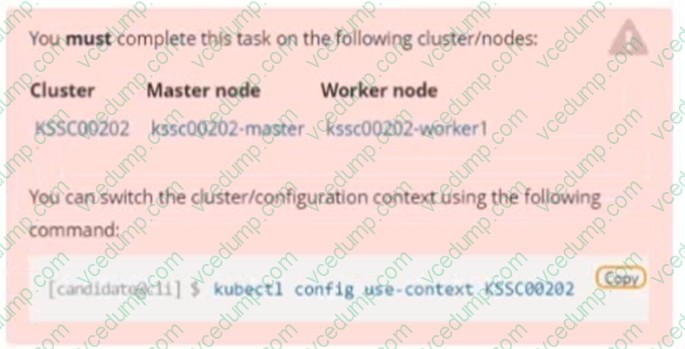
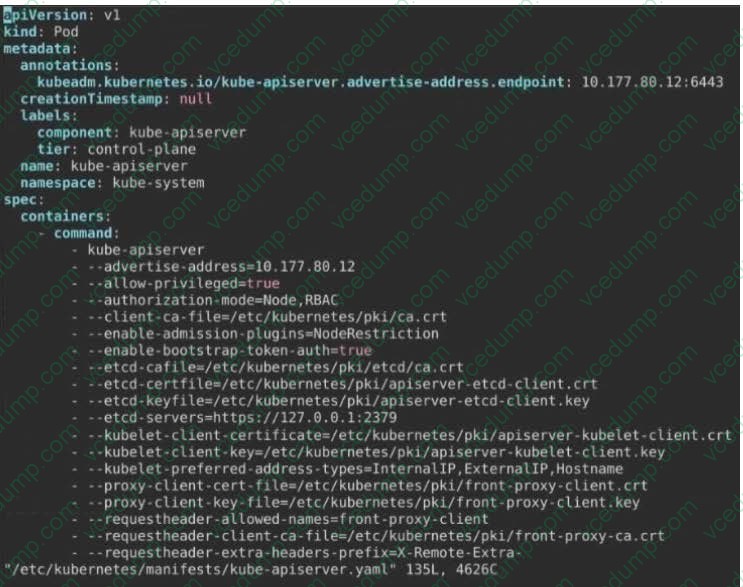
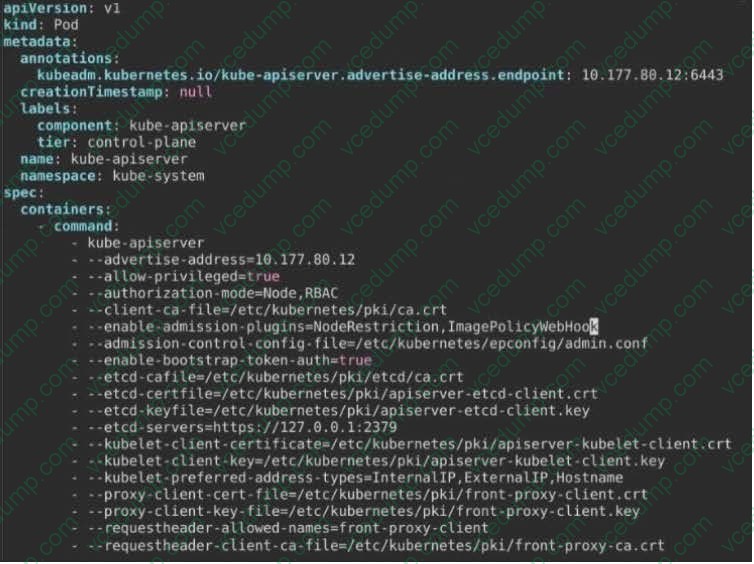
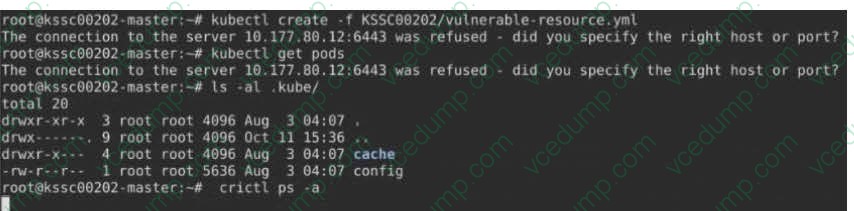
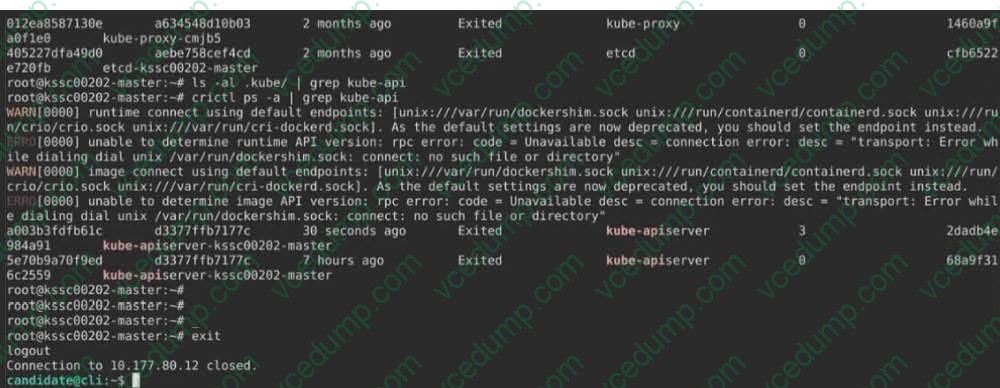
A container image scanner is set up on the cluster, but it's not yet fully integrated into the cluster s configuration. When complete, the container image scanner shall scan for and reject the use of vulnerable images.

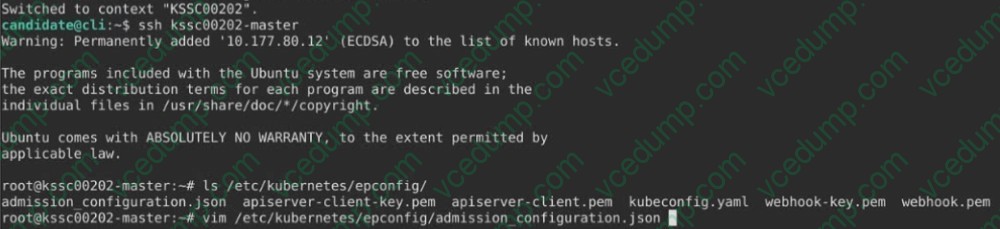
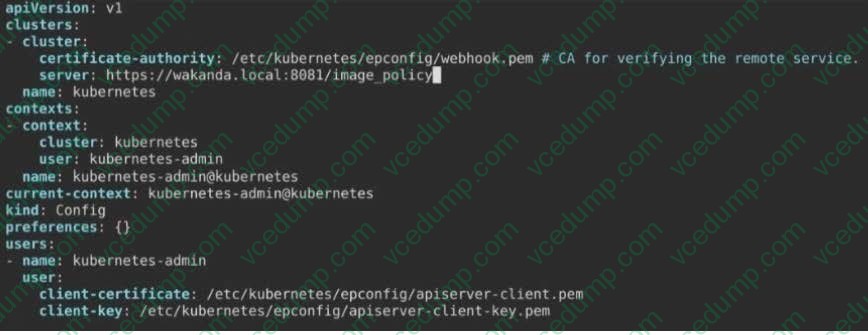
Given an incomplete configuration in directory /etc/kubernetes/epconfig and a functional container image scanner with HTTPS endpoint https://wakanda.local:8081 /image_policy:
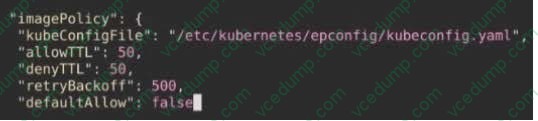
1. Enable the necessary plugins to create an image policy
2. Validate the control configuration and change it to an implicit deny
3. Edit the configuration to point to the provided HTTPS endpoint correctly
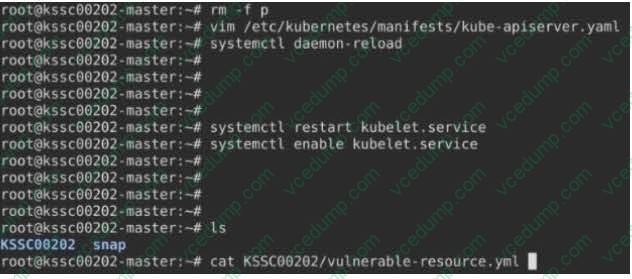
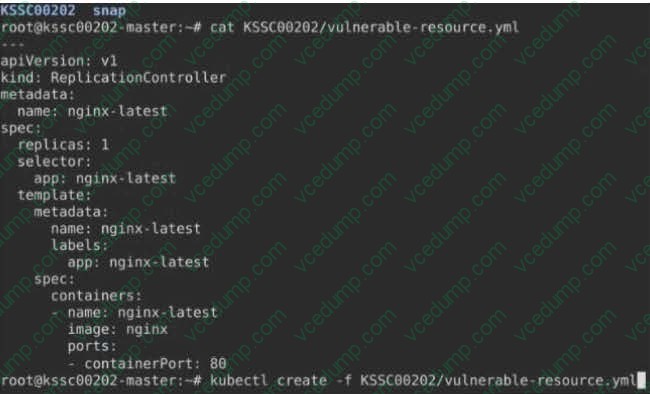
Finally, test if the configuration is working by trying to deploy the vulnerable resource /root/KSSC00202/vulnerable-resource.yml.
A. See the explanation below
B. PlaceHolder -
Question 42:
Create a network policy named allow-np, that allows pod in the namespace staging to connect to port 80 of other pods in the same namespace.
Ensure that Network Policy:
1. Does not allow access to pod not listening on port 80.
2. Does not allow access from Pods, not in namespace staging.
A. See the explanation below:
B. PlaceHolder -
Question 43:
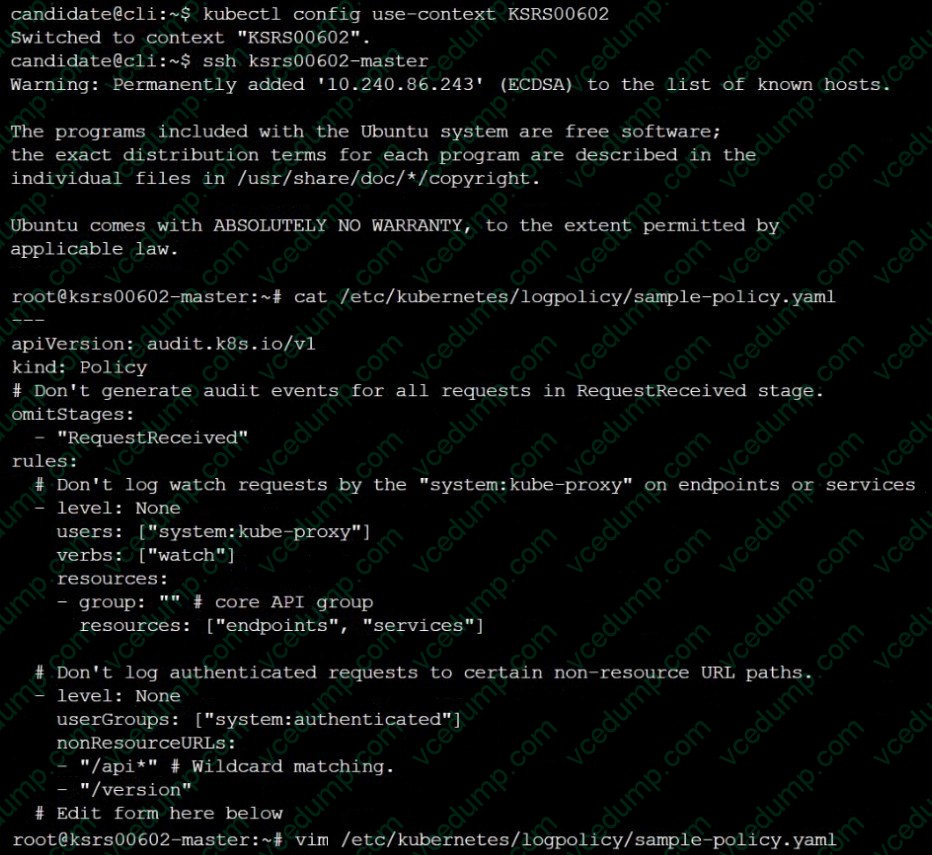
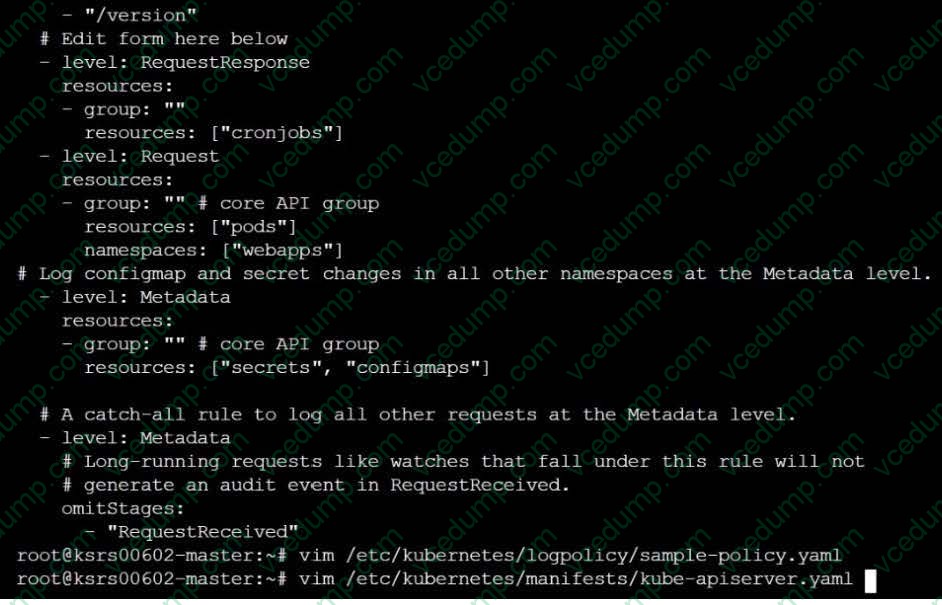
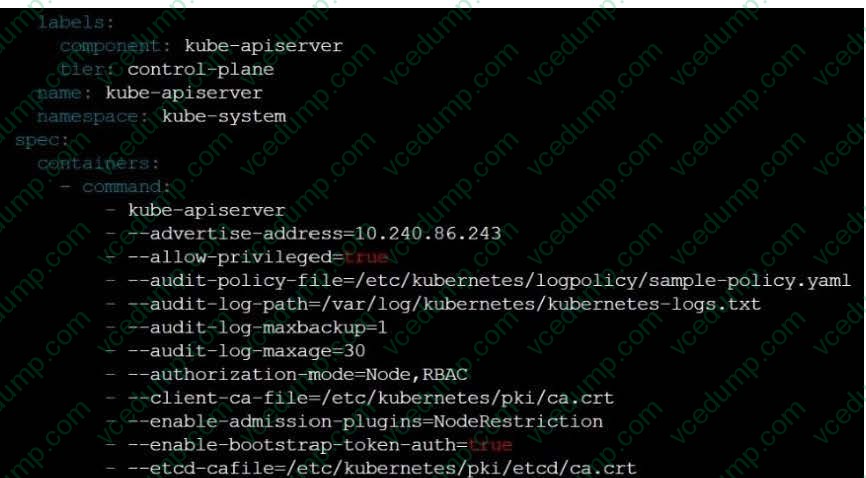
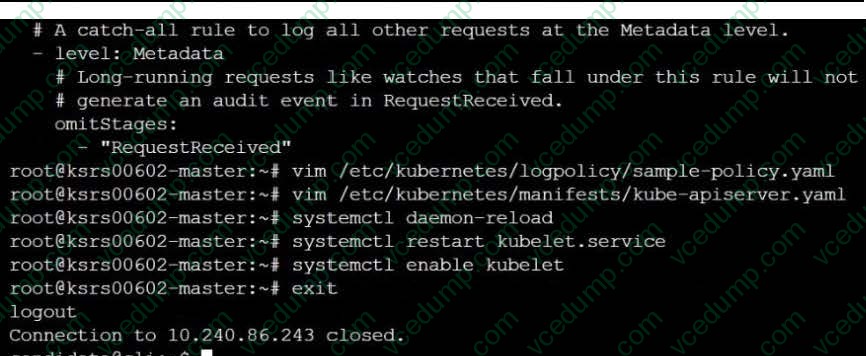
Enable audit logs in the cluster, To Do so, enable the log backend, and ensure that
1. logs are stored at /var/log/kubernetes/kubernetes-logs.txt.
2. Log files are retained for 5 days.
3. at maximum, a number of 10 old audit logs files are retained.
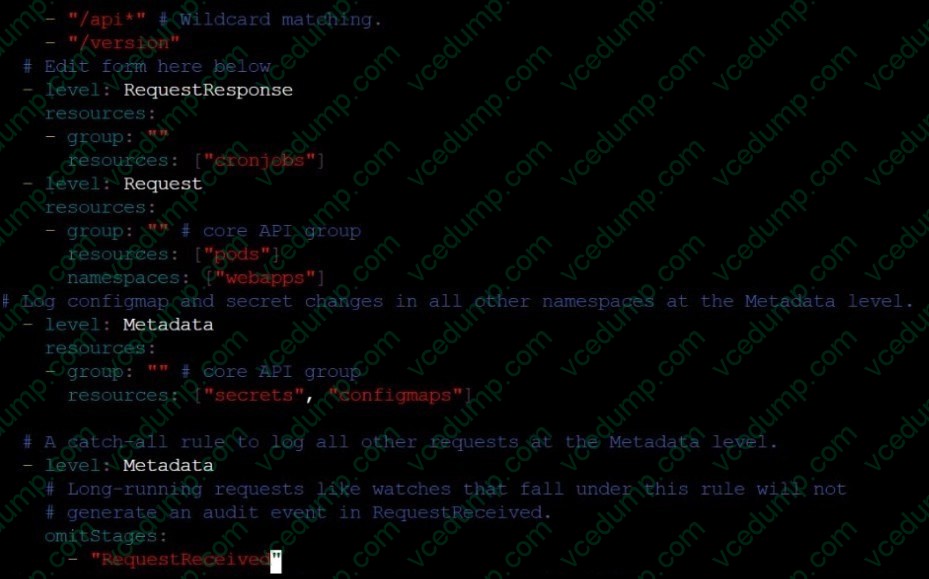
Edit and extend the basic policy to log:
1. Cronjobs changes at RequestResponse
2. Log the request body of deployments changes in the namespace kube-system.
3. Log all other resources in core and extensions at the Request level.
4. Don't log watch requests by the "system:kube-proxy" on endpoints or
A. See explanation below.
B. PlaceHolder -
Question 44:
Create a PSP that will only allow the persistentvolumeclaim as the volume type in the namespace restricted.
Create a new PodSecurityPolicy named prevent-volume-policy which prevents the pods which is having different volumes mount apart from persistentvolumeclaim.
Create a new ServiceAccount named psp-sa in the namespace restricted.
Create a new ClusterRole named psp-role, which uses the newly created Pod Security Policy prevent-volume-policy
Create a new ClusterRoleBinding named psp-role-binding, which binds the created ClusterRole psp-role to the created SA psp-sa.
Hint:
Also, Check the Configuration is working or not by trying to Mount a Secret in the pod maifest, it should get failed.
POD Manifest:
1. apiVersion: v1
2. kind: Pod
3. metadata:
4. name:
5. spec:
6. containers:
7. - name:
8. image:
9. volumeMounts: 10.- name: 11.mountPath: 12.volumes: 13.- name: 14.secret: 15.secretName:
A. See the below:
B. PlaceHolder -
Question 45:
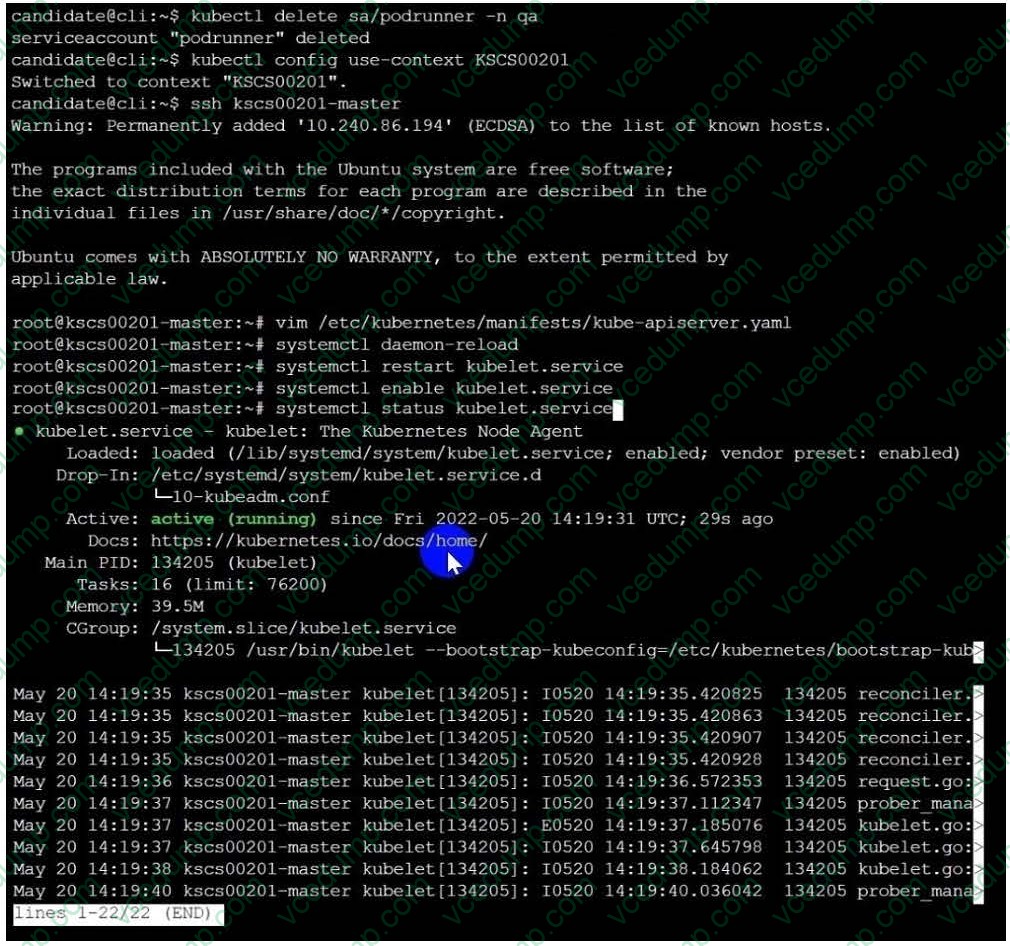
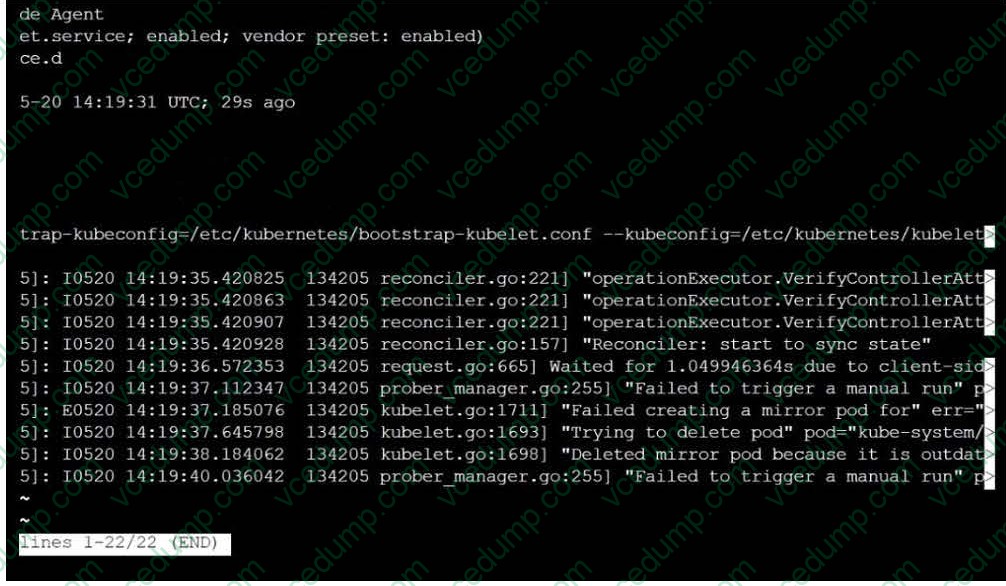
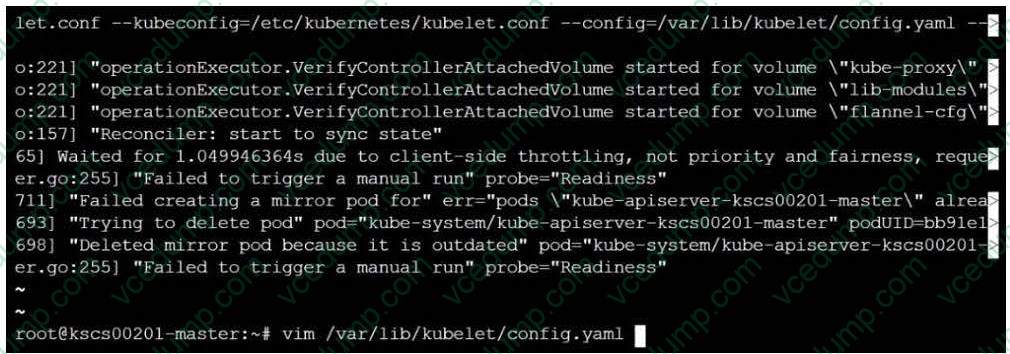
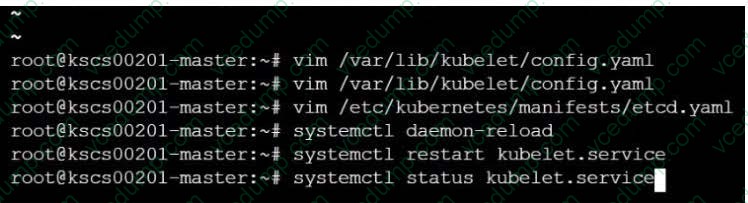
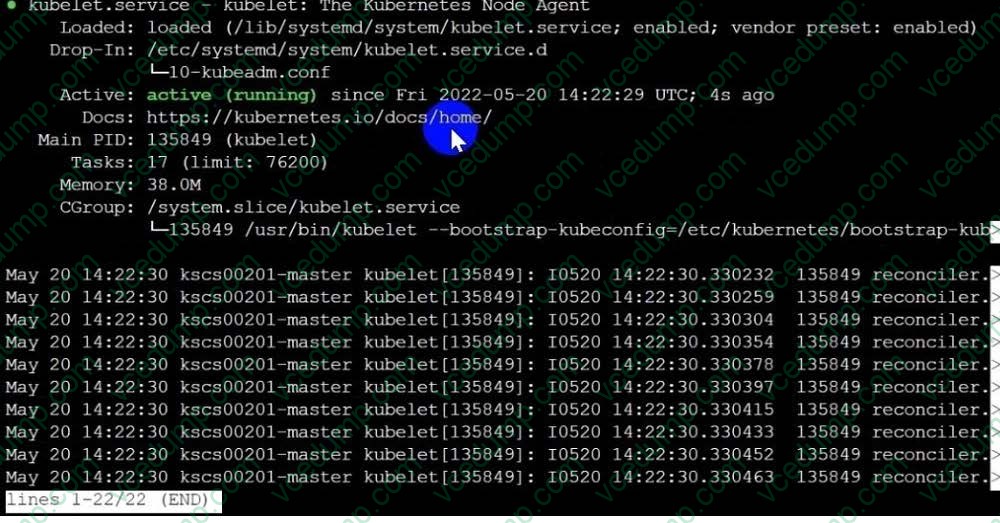
Fix all issues via configuration and restart the affected components to ensure the new setting takes effect.
Fix all of the following violations that were found against the API server:
1. Ensure the --authorization-mode argument includes RBAC
2. Ensure the --authorization-mode argument includes Node
3. Ensure that the --profiling argument is set to false
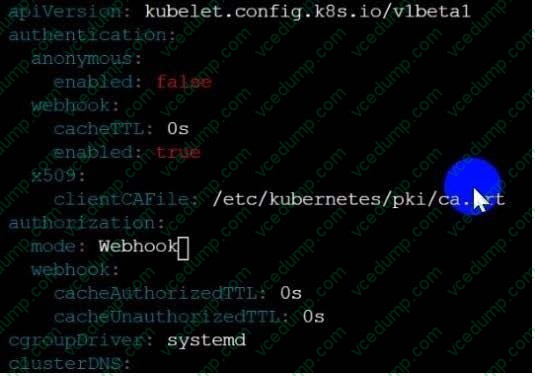
Fix all of the following violations that were found against the Kubelet:
1. Ensure the --anonymous-auth argument is set to false.
2. Ensure that the --authorization-mode argument is set to Webhook. Fix all of the following violations that were found against the ETCD:
Ensure that the --auto-tls argument is not set to true Hint: Take the use of Tool Kube-Bench
A. See the below.
B. PlaceHolder -
Question 46:
Create a User named john, create the CSR Request, fetch the certificate of the user after approving it.
Create a Role name john-role to list secrets, pods in namespace john
Finally, Create a RoleBinding named john-role-binding to attach the newly created role john-role to the user john in the namespace john.
To Verify: Use the kubectl auth CLI command to verify the permissions.
A. See the below.
B. PlaceHolder




Related Exams:
-
CKA
Linux Foundation Certified Kubernetes Administrator (CKA) -
CKAD
Linux Foundation Certified Kubernetes Application Developer (CKAD) -
CKS
Linux Foundation Certified Kubernetes Security Specialist (CKS) -
HFCP
Linux Foundation Certified Hyperledger Fabric Certified Practitioner (HFCP) -
KCNA
Linux Foundation Certified Kubernetes and Cloud Native Associate (KCNA) -
LFCA
Linux Foundation Certified IT Associate (LFCA) -
LFCS
Linux Foundation Certified System Administrator (LFCS) -
LUX-CGOA
Certified GitOps Associate (CGOA) -
LUX-CNPA
Certified Cloud Native Platform Engineering Associate (CNPA) -
LUX-KCSA
Kubernetes and Cloud Native Security Associate (KCSA)
Tips on How to Prepare for the Exams
Nowadays, the certification exams become more and more important and required by more and more enterprises when applying for a job. But how to prepare for the exam effectively? How to prepare for the exam in a short time with less efforts? How to get a ideal result and how to find the most reliable resources? Here on Vcedump.com, you will find all the answers. Vcedump.com provide not only Linux Foundation exam questions, answers and explanations but also complete assistance on your exam preparation and certification application. If you are confused on your CKS exam preparations and Linux Foundation certification application, do not hesitate to visit our Vcedump.com to find your solutions here.