Simulation
Guidelines
This is a lab item in which tasks will be performed on virtual devices.
1. Refer to the Tasks tab to view the tasks for this lab item.
2. Refer to the Topology tab to access the device console(s) and perform the tasks.
3. Console access is available for all required devices by clicking the device icon or using the tab(s) above the console window.
4. All necessary preconfigurations have been applied.
5. Do not change the enable password or hostname for any device.
6. Save your configurations to NVRAM before moving to the next item.
7. Click Next at the bottom of the screen to submit this lab and move to the next question.
8. When Next is clicked, the lab closes and cannot be reopened.
Topology
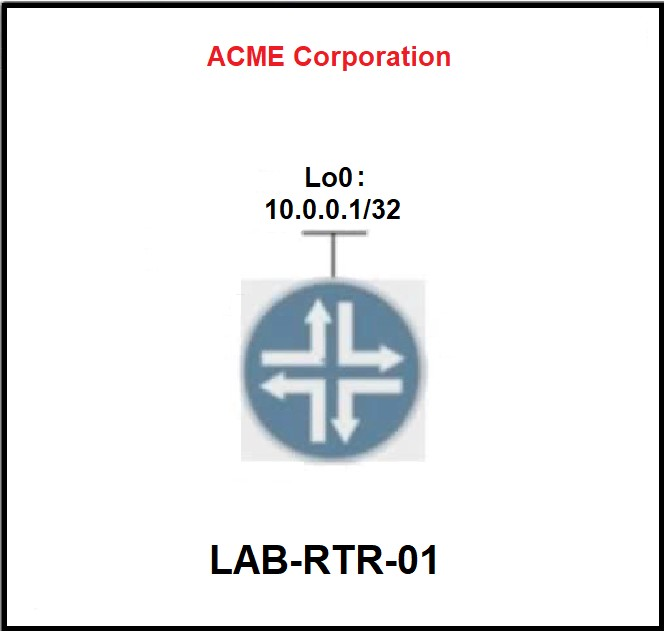
Tasks
Configure an EEM applet on LAB-RTR-01 that will automatically re-enable interface Loopback0 if it is administratively shut down.
Not auto-scored - compare your configuration against the model answer.