70-640 Exam Details
-
Exam Code
:70-640 -
Exam Name
:TS: Windows Server 2008 Active Directory Configuring -
Certification
:Microsoft Certifications -
Vendor
:Microsoft -
Total Questions
:631 Q&As -
Last Updated
:Dec 15, 2021
Microsoft 70-640 Online Questions & Answers
-
Question 11:
Your company has an Active Directory domain. A user attempts to log on to a computer that was turned off for twelve weeks. The administrator receives an error message that authentication has failed.
You need to ensure that the user is able to log on to the computer.
What should you do?
A. Run the netsh command with the set and machine options.
B. Reset the computer account. Disjoin the computer from the domain, and then rejoin the computer to the domain.
C. Run the netdom TRUST /reset command.
D. Run the Active Directory Users and Computers console to disable, and then enable the computer account. -
Question 12:
Your network contains an Active Directory domain. The domain contains two file servers. The file servers are configured as shown in the following table.
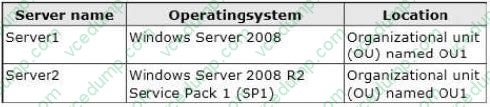
You create a Group Policy object (GPO) named GPO1 and you link GPO1 to OU1.
You configure the advanced audit policy as shown in the exhibit. (Click the Exhibit button.)
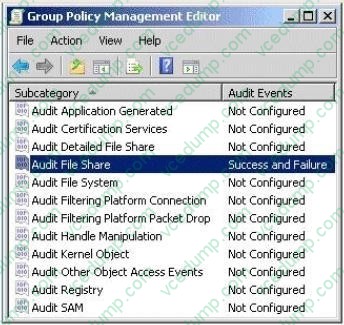
You discover that the settings are not applied to Server1. The settings are applied to Server2.
You need to ensure that access to the file shares on Server1 is audited.
What should you do?
A. On Server1, run secedit.exe and specify the /configure parameter.
B. On Server1, run auditpol.exe and specify the /set parameter.
C. From GPO1, configure the Security Options.
D. From Active Directory Users and Computers, modify the permissions of the computer account for Server1.
E. From Active Directory Users and Computers, add Server1 to the Event Log Readers group. -
Question 13:
Your company has a domain controller that runs Windows Server 2008. The domain controller has the backup features installed.
You need to perform a non-authoritative restore of the doman controller using an existing backup file.
What should you do?
A. Restart the domain controller in Directory Services Restore Mode and use wbadmin to restore critical volume
B. Restart the domain controller in Directory Services Restore Mode and use the backup snap-in to restore critical volume
C. Restart the domain controller in Safe Mode and use wbadmin to restore critical volume
D. Restart the domain controller in Safe Mode and use the backup snap-in to restore critical volume -
Question 14:
Your network consists of a single Active Directory domain. User accounts for engineering department are located in an OU named Engineering.
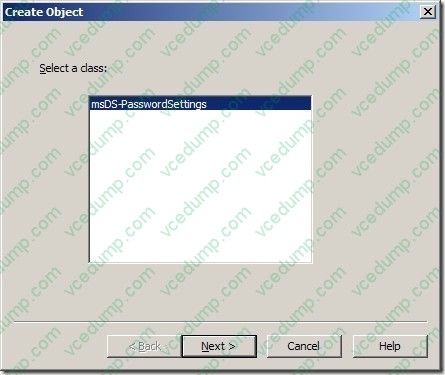
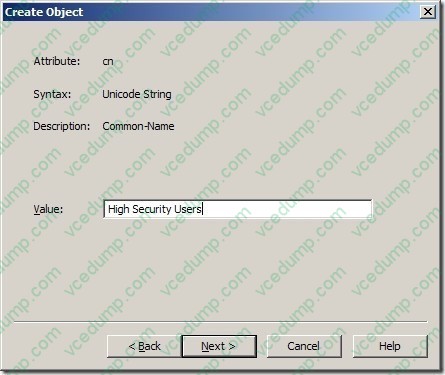
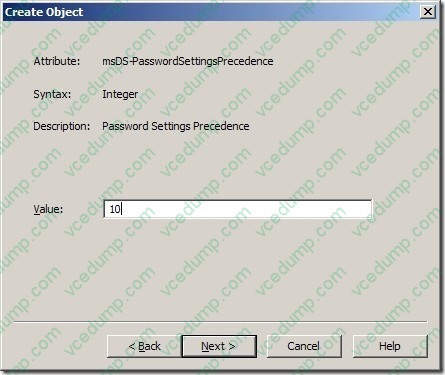
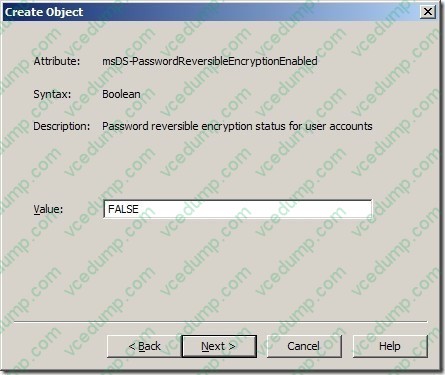
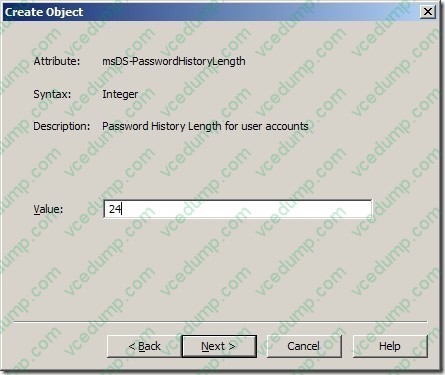
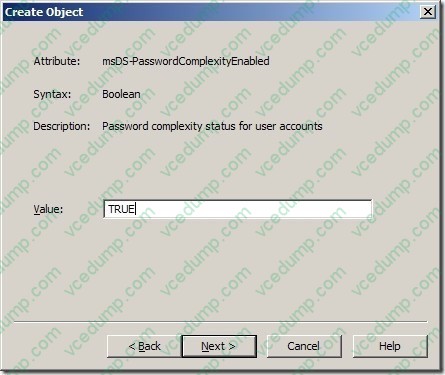
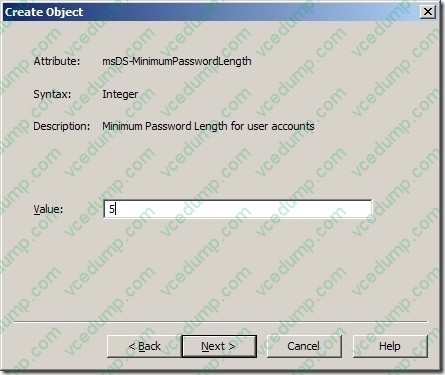
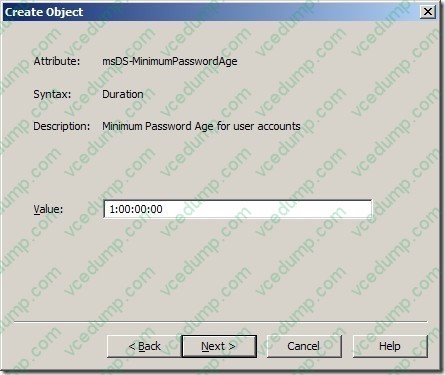
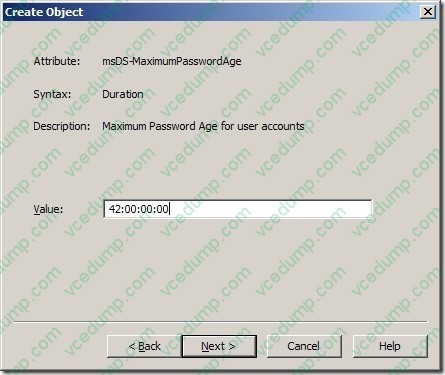
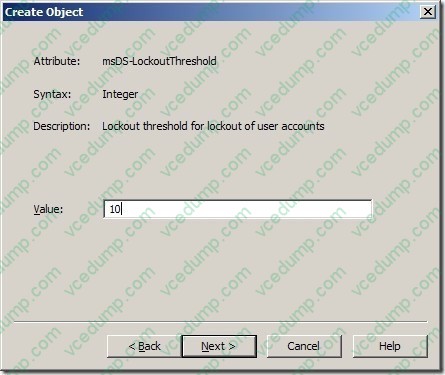
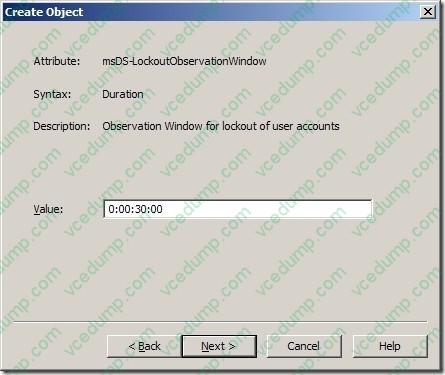
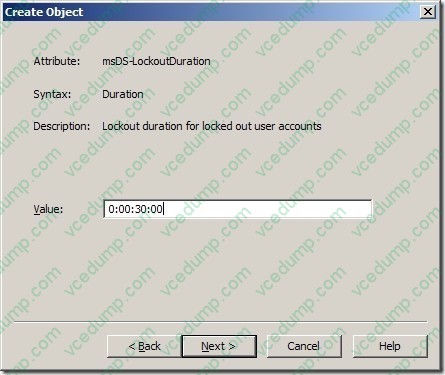
You need to create a password policy for the engineering department that is different from your domain password policy.
What should you do?
A. Create a new GPO. Link the GPO to the Engineering OU.
B. Create a new GPO. Link the GPO to the domain. Block policy inheritance on all OUs except for the Engineering OU.
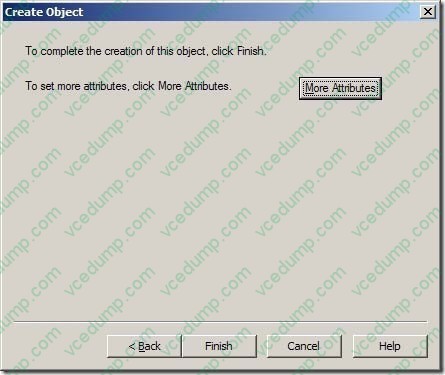
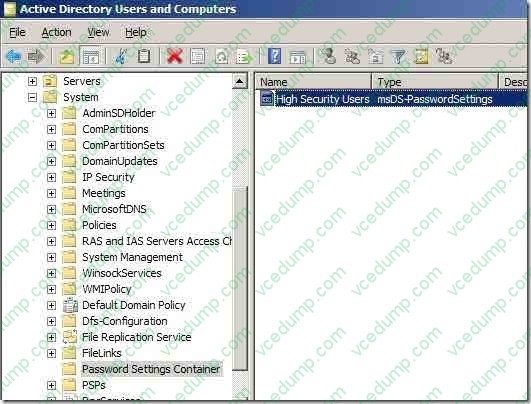
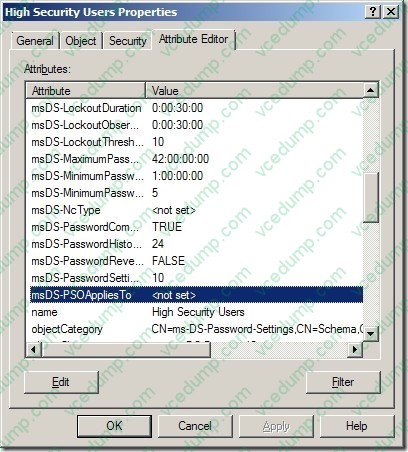
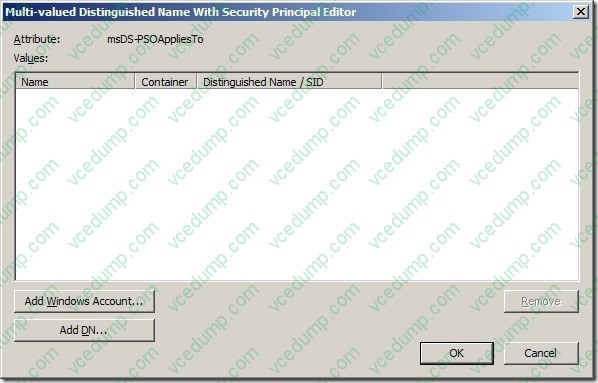
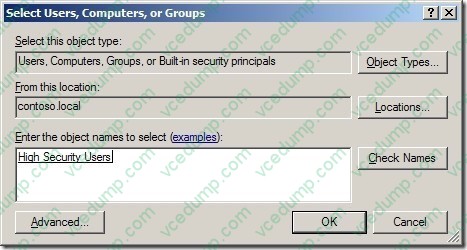
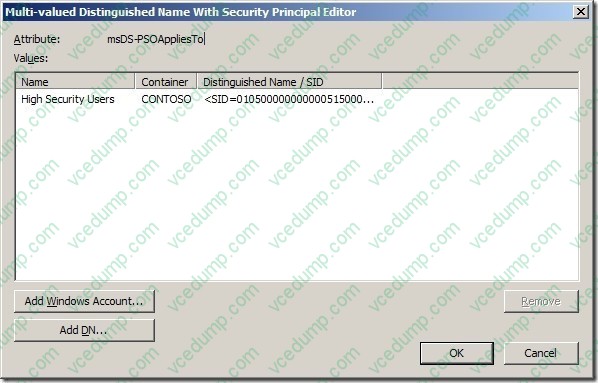
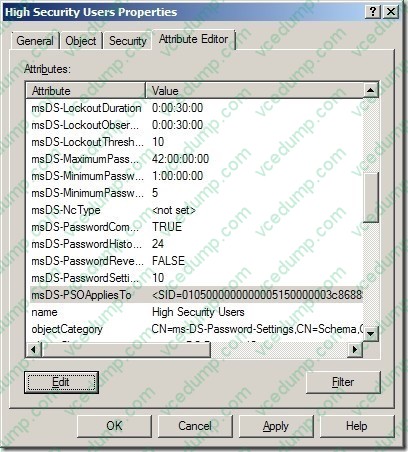
C. Create a global security group and add all the user accounts for the engineering department to the group. Create a new Password Policy Object (PSO) and apply it to the group.
D. Create a domain local security group and add all the user accounts for the engineering department to the group. From the Active Directory Users and Computer console, select the group and run the Delegation of Control Wizard. -
Question 15:
ABC.com has a network that consists of a single Active Directory domain. A technician has accidently deleted an Organizational unit (OU) on the domain controller. As an administrator of ABC.com, you are in process of restoring the OU.
You need to execute a non-authoritative restore before an authoritative restore of the OU.
Which backup should you use to perform non- authoritative restore of Active Directory Domain Services (AD DS) without disturbing other data stored on domain controller?
A. Critical volume backup
B. Backup of all the volumes
C. Backup of the volume that hosts Operating system
D. Backup of AD DS folders
E. all of the above -
Question 16:
You have a Windows Server 2008 R2 Enterprise Root CA.
Security policy prevents port 443 and port 80 from being opened on domain controllers and on the issuing CA.
You need to allow users to request certificates from a Web interface. You install the Active Directory Certificate Services (AD CS) server role.
What should you do next?
A. Configure the Online Responder Role Service on a member server.
B. Configure the Online Responder Role Service on a domain controller.
C. Configure the Certificate Enrollment Web Service role service on a member server.
D. Configure the Certificate Enrollment Web Service role service on a domain controller. -
Question 17:
Your company has an Active Directory forest that contains a single domain. The domain member server has an Active Directory Federation Services (AD FS) role installed.
You need to configure AD FS to ensure that AD FS tokens contain information from the Active Directory domain.
What should you do?
A. Add and configure a new account partner.
B. Add and configure a new resource partner.
C. Add and configure a new account store.
D. Add and configure a Claims-aware application. -
Question 18:
Your network contains an Active Directory domain named contoso.com. The domain contains five domain controllers.
You add a logoff script to an existing Group Policy object (GPO).
You need to verify that each domain controller successfully replicates the updated group policy. Which two objects should you verify on each domain controller? (Each correct answer presents part of the solution. Choose two.)
A. \\servername\SYSVOL\contoso.com\Policies\{GUID}\gpt.ini
B. \\servername\SYSVOL\contoso.com\Policies\{GUID}\machine\registry.pol
C. the uSNChanged value for the CN={GUID},CN=Policies,CN=System,DC=contoso,DC=com container
D. the versionNumber value for the CN={GUID},CN=Policies,CN=System,DC=contoso,DC=com container -
Question 19:
Your company has an Active Directory domain that has an organizational unit named Sales. The Sales organizational unit contains two global security groups named sales managers and sales executives.
You need to apply desktop restrictions to the sales executives group.
You must not apply these desktop restrictions to the sales managers group.
You create a GPO named DesktopLockdown and link it to the Sales organizational unit.
What should you do next?
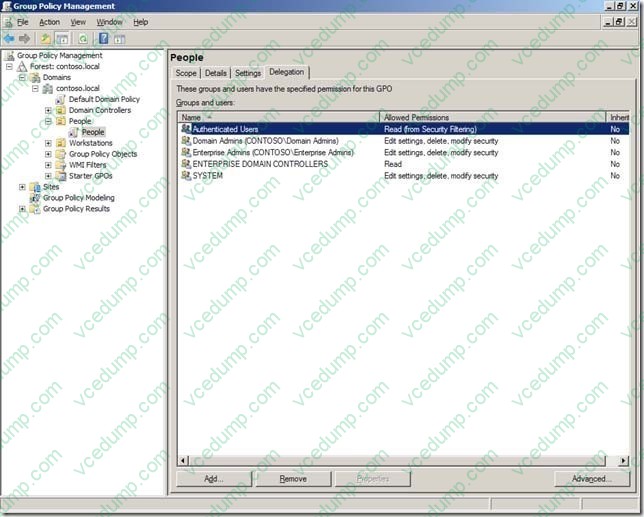
A. Configure the Deny Apply Group Policy permission for Authenticated Users on the DesktopLockdown GPO.
B. Configure the Deny Apply Group Policy permission for the sales executives on the DesktopLockdown GPO.
C. Configure the Allow Apply Group Policy permission for Authenticated Users on the DesktopLockdown GPO.
D. Configure the Deny Apply Group Policy permission for the sales managers on the DesktopLockdown GPO. -
Question 20:
Your company security policy requires complex passwords.
You have a comma delimited file named import.csv that contains user account information. You need to create user account in the domain by using the import.csv file.
You also need to ensure that the new user accounts are set to use default passwords and are disabled.
What should you do?
A. Modify the userAccountControl attribute to disabled. Run the csvde i k f import.csv command. Run the DSMOD utility to set default passwords for the user accounts.
B. Modify the userAccountControl attribute to accounts disabled. Run the csvde -f import.csv command. Run the DSMOD utility to set default passwords for the user accounts.
C. Modify the userAccountControl attribute to disabled. Run the wscript import.csv command. Run the DSADD utility to set default passwords for the imported user accounts.
D. Modify the userAccountControl attribute to disabled. Run ldifde -i -f import.csv command. Run the DSADD utility to set passwords for the imported user accounts.