Simulation
A network technician needs to resolve some issues with a customer’s SOHO network.
The customer reports that some of the devices are not connecting to the network, while others appear to work as intended.
INSTRUCTIONS
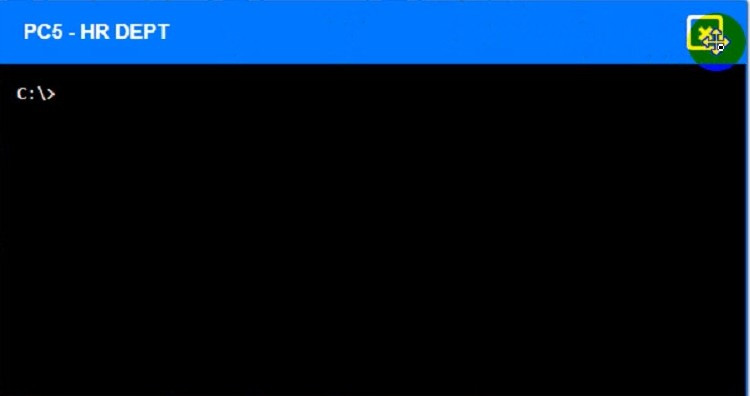
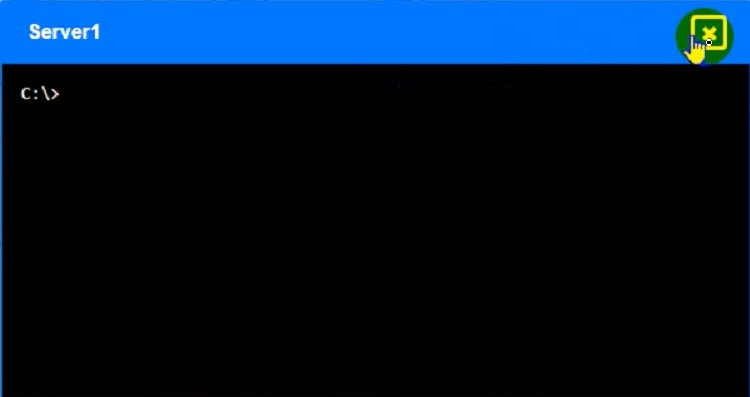
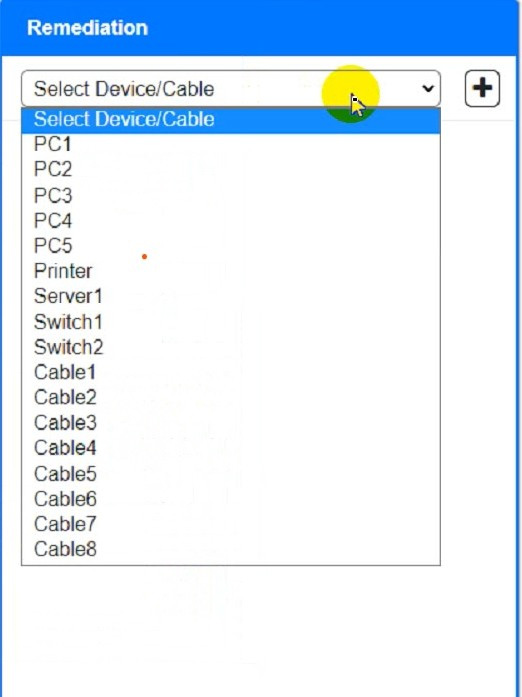
Troubleshoot all the network components and review the cable test results by clicking on each device and cable. Type help in each terminal to view a list of available commands.
Diagnose the appropriate component(s) by identifying any components with a problem and recommend a solution to correct each problem.
If at any time you would like to bring back the initial state of the simulation, please click the Reset All button.
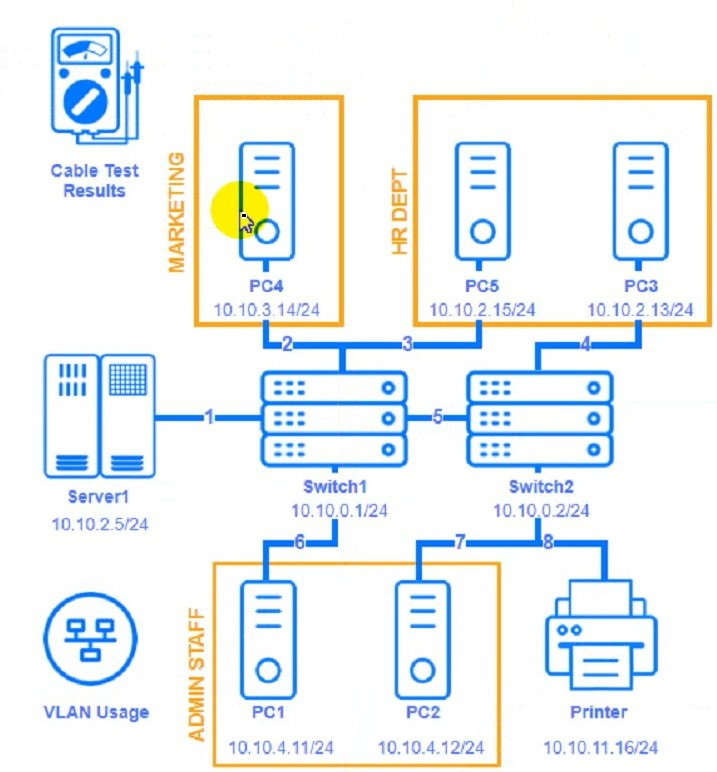
Cable Test Results:
Cable 1:
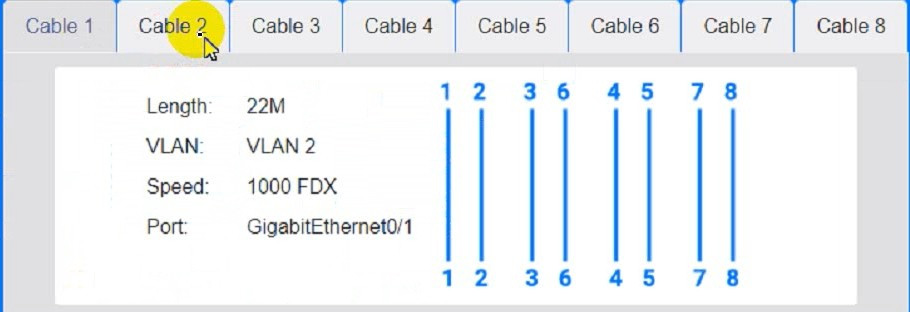
Cable 2:
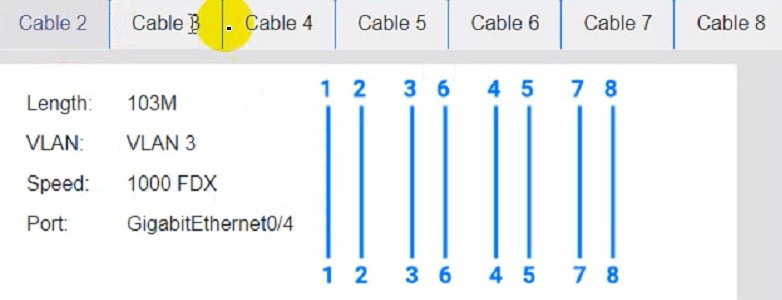
Cable 3:
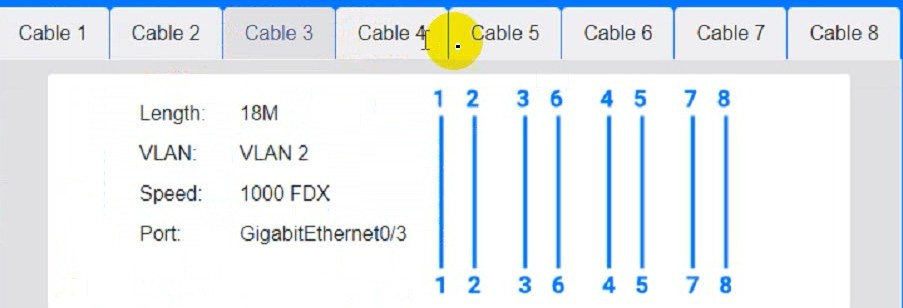
Cable 4:
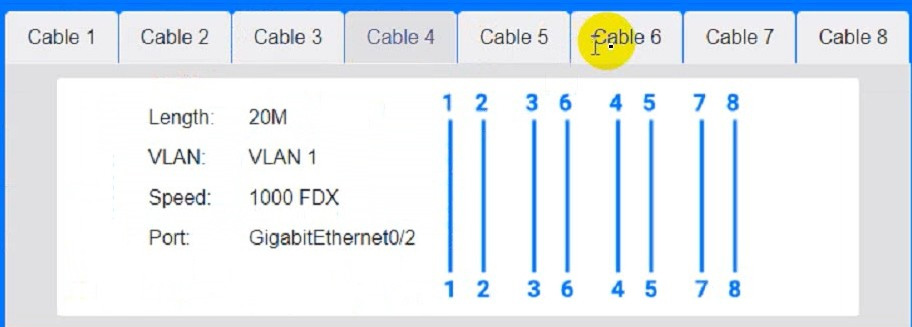
Cable 5: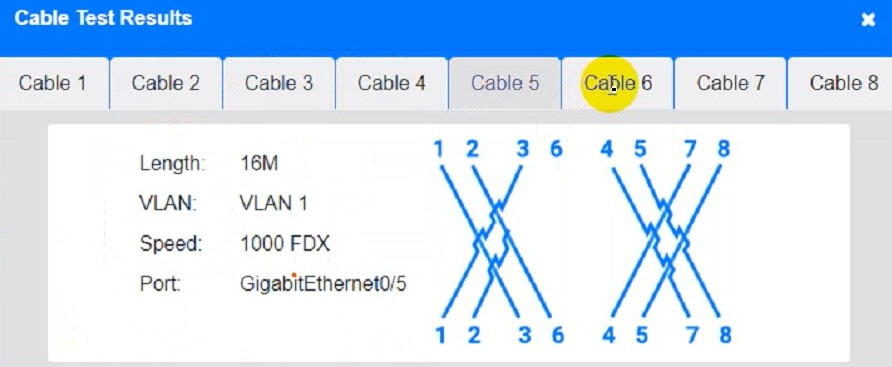
Cable 6: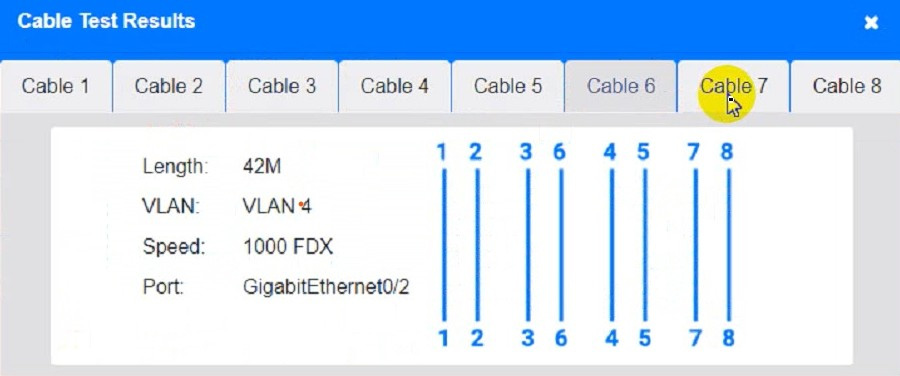
Cable 7: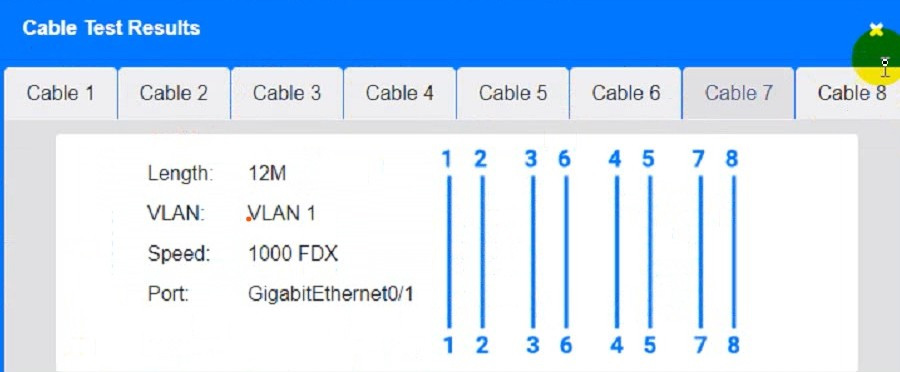
Cable 8: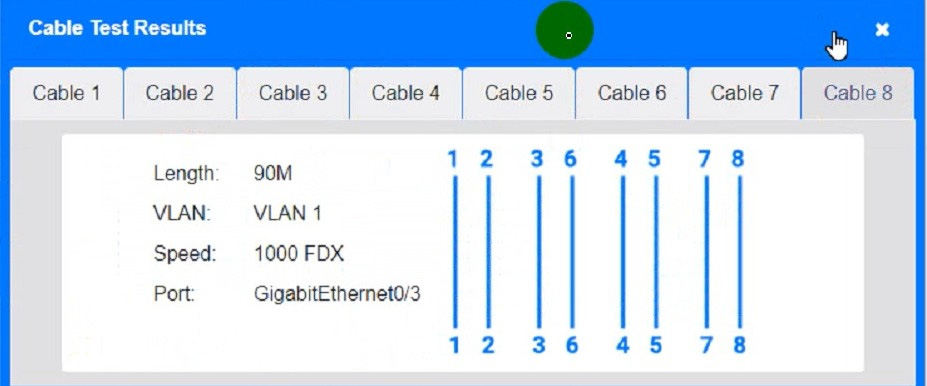
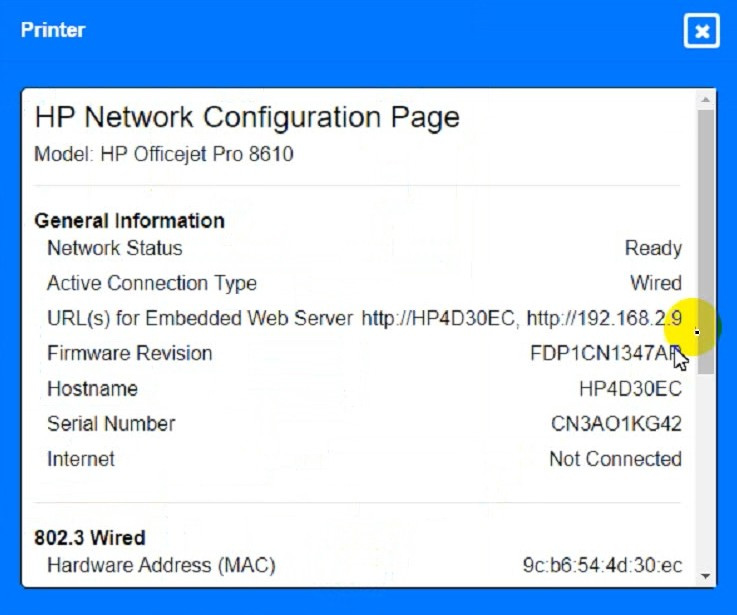
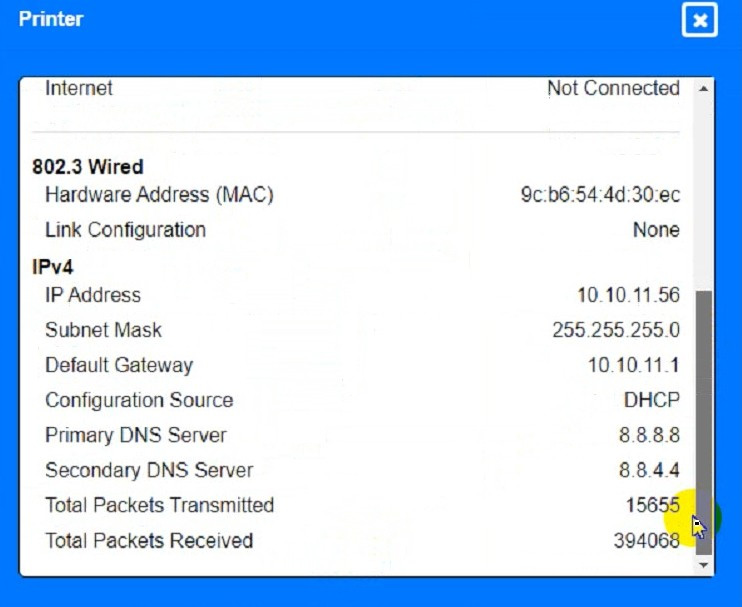
Not auto-scored - compare your configuration against the model answer.