Q54
Lab
SIMULATION
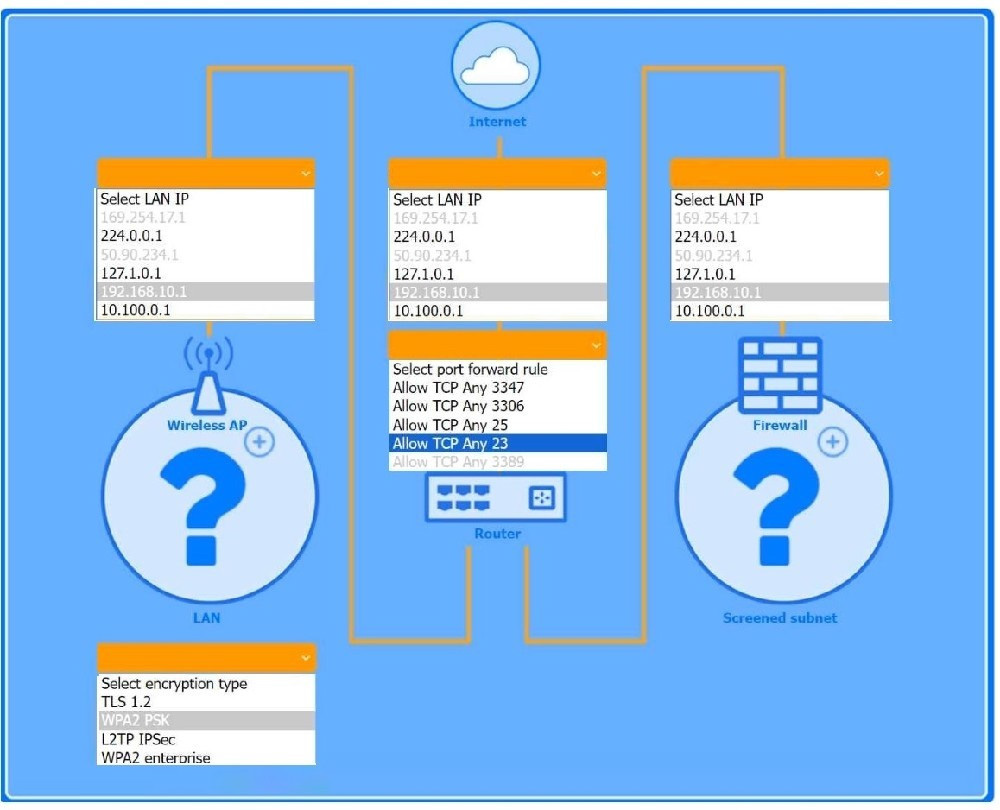
You are configuring a home network for a customer. The customer has requested the ability to access a Windows PC remotely and needs all chat and optional functions to work on their game console.
INSTRUCTIONS
Use the drop-down menus to complete the network configuration for the customer. Each option may only be used once, and not all options will be used.
Then, click the + sign to place each device in its appropriate location.
If at any time you would like to bring back the initial state of the simulation, please click the Reset All button.
Wireless AP LAN
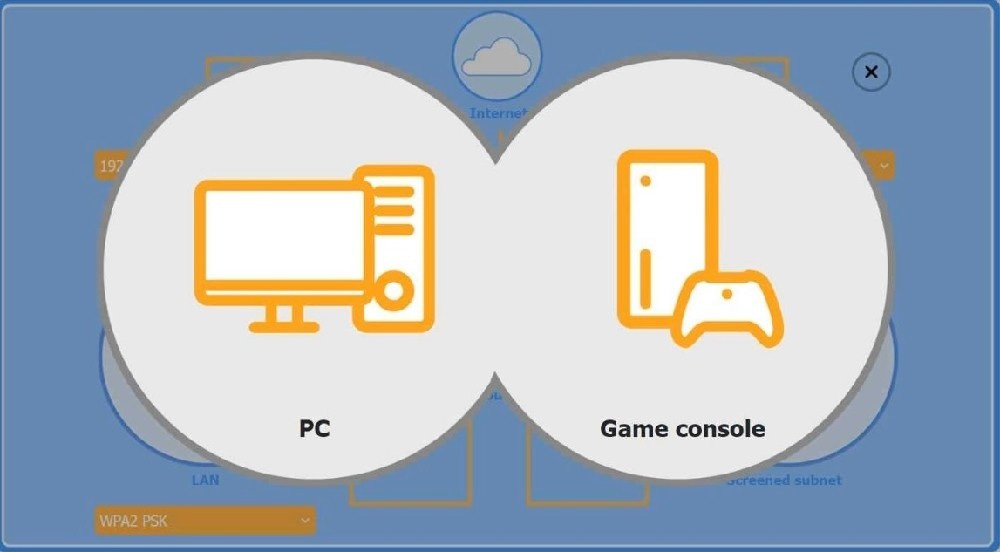
Firewall Screened Subnet
Not auto-scored - compare your configuration against the model answer.