Simulation
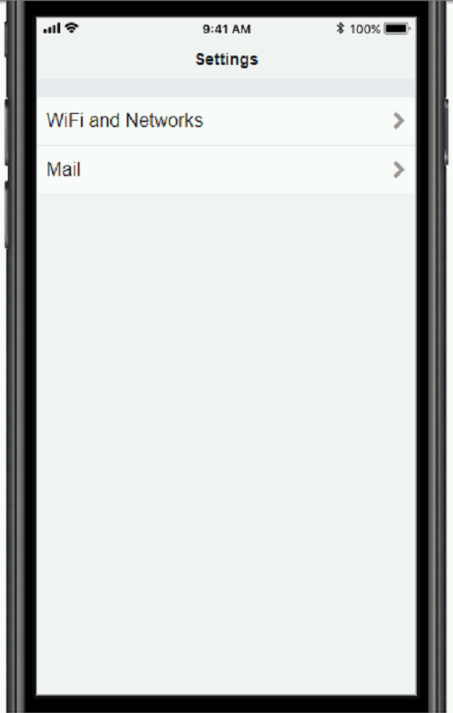
You need to configure your mobile device to send and receive electronic messages from your company.
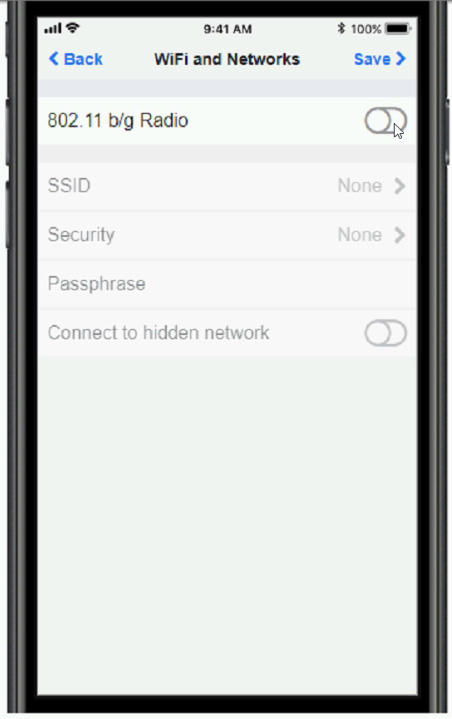
You must use the company's WLAN as all e-mail services are on default non-secure ports.
The company's WLAN is broadcasting across the company for easier access.
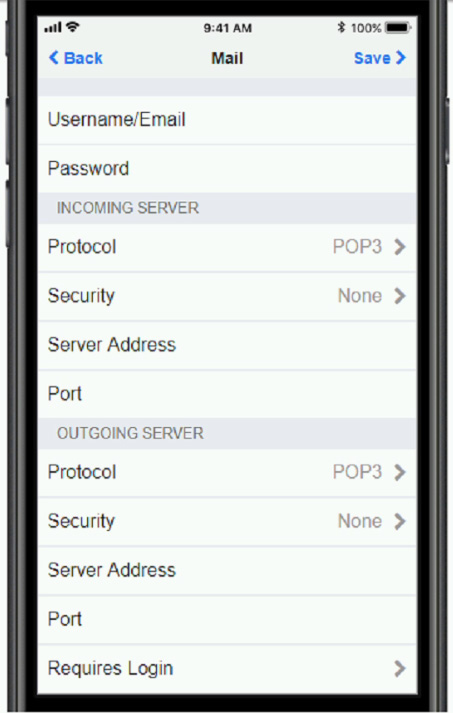
Users must authenticate to the server with the same credentials in order to send and receive email.
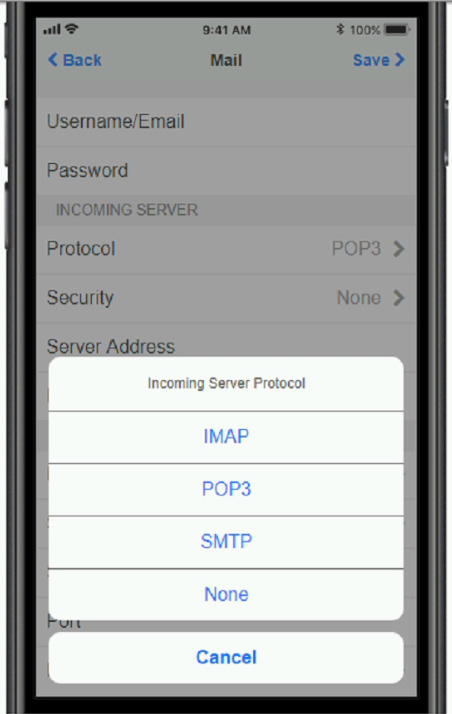
Authentication should be enforced in the settings of the mobile device using the following parameters:
1. Username: [email protected]
2. Password: P@$$w0rd
3. Outgoing server: mail.techies.com
4. Incoming server: pop3.techies.com
5. Company SSID: Techies
6. Security Key: CA:FE:33:71:00
INSTRUCTIONS:
Update the mobile device's parameters to fit the criteria and support the strongest encryption available
If at any time you would like to bring back the initial state of the simulation, please click the Reset All button.
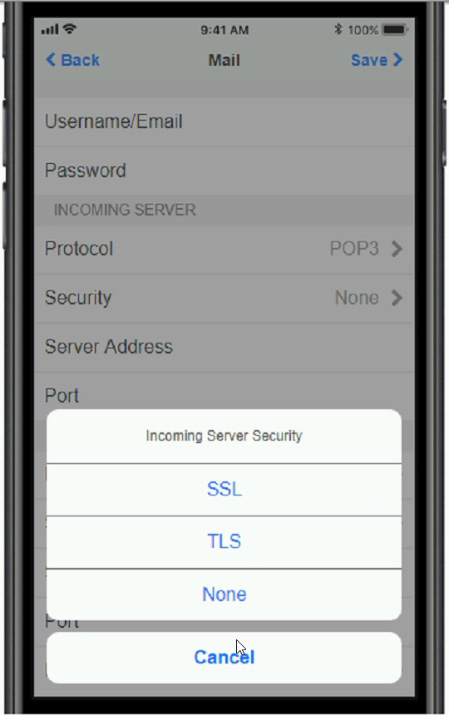
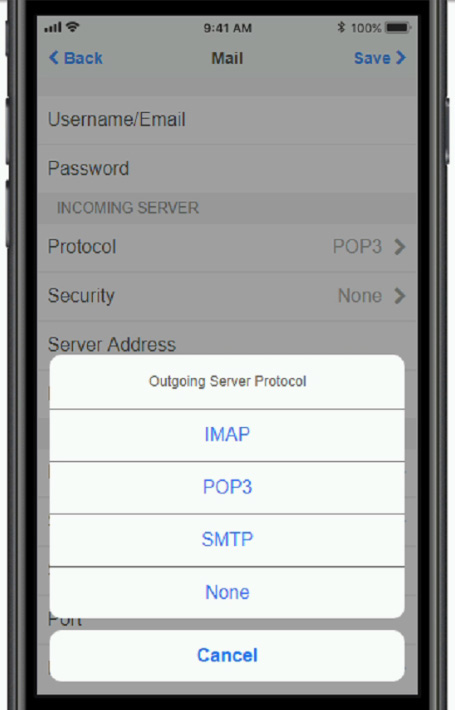
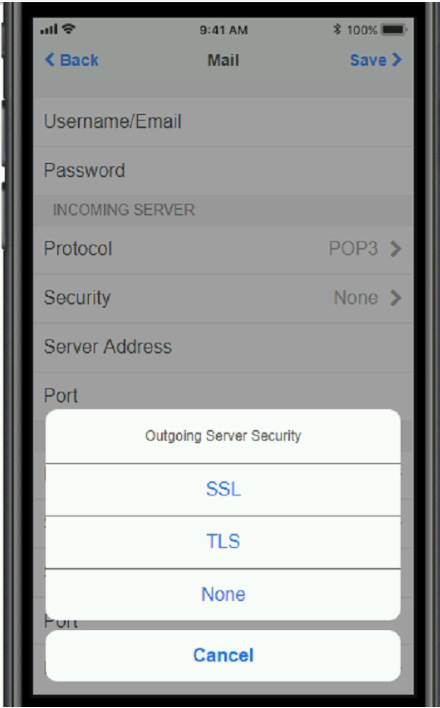
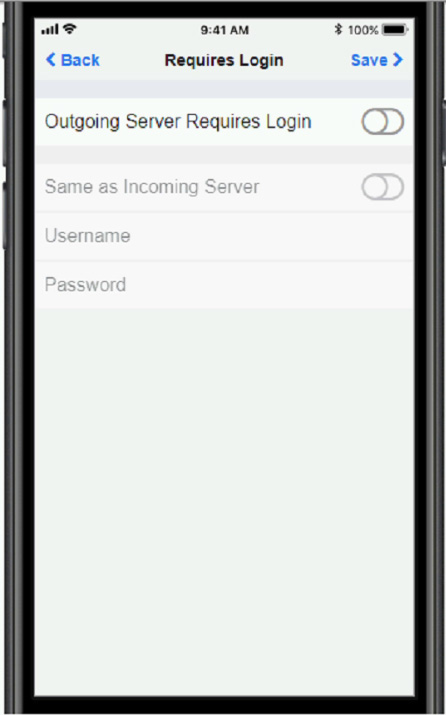
A. Check the answer in explanation.
Not auto-scored - compare your configuration against the model answer.