Lab simulation
Simulation
On slide 2, in the content placeholder, insert a Vertical Curved List SmartArt graphic. Label the first shape
''Structures'' and the second shape ''Perennials'', Delete any unused shapes.
Reveal model answer Close model answer
Select the slide where you want the SmartArt graphic to appear.
From the Insert tab, select the SmartArt command in the Illustrations group.
A dialog box will appear. Select a category on the left, choose the desired SmartArt graphic, then click OK.
The SmartArt graphic will appear on the current slide.
Testlet 1
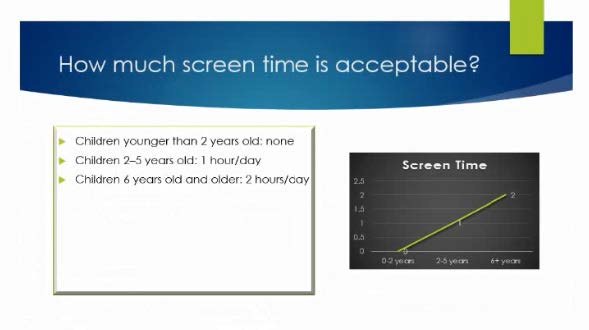
Topic 4, Screen TimeExhibit.